Pixel Bead guide
Pixel Art to Pixel Beads
Adapt existing pixel art into a practical physical pattern — resolution, color mapping, and printable guides.
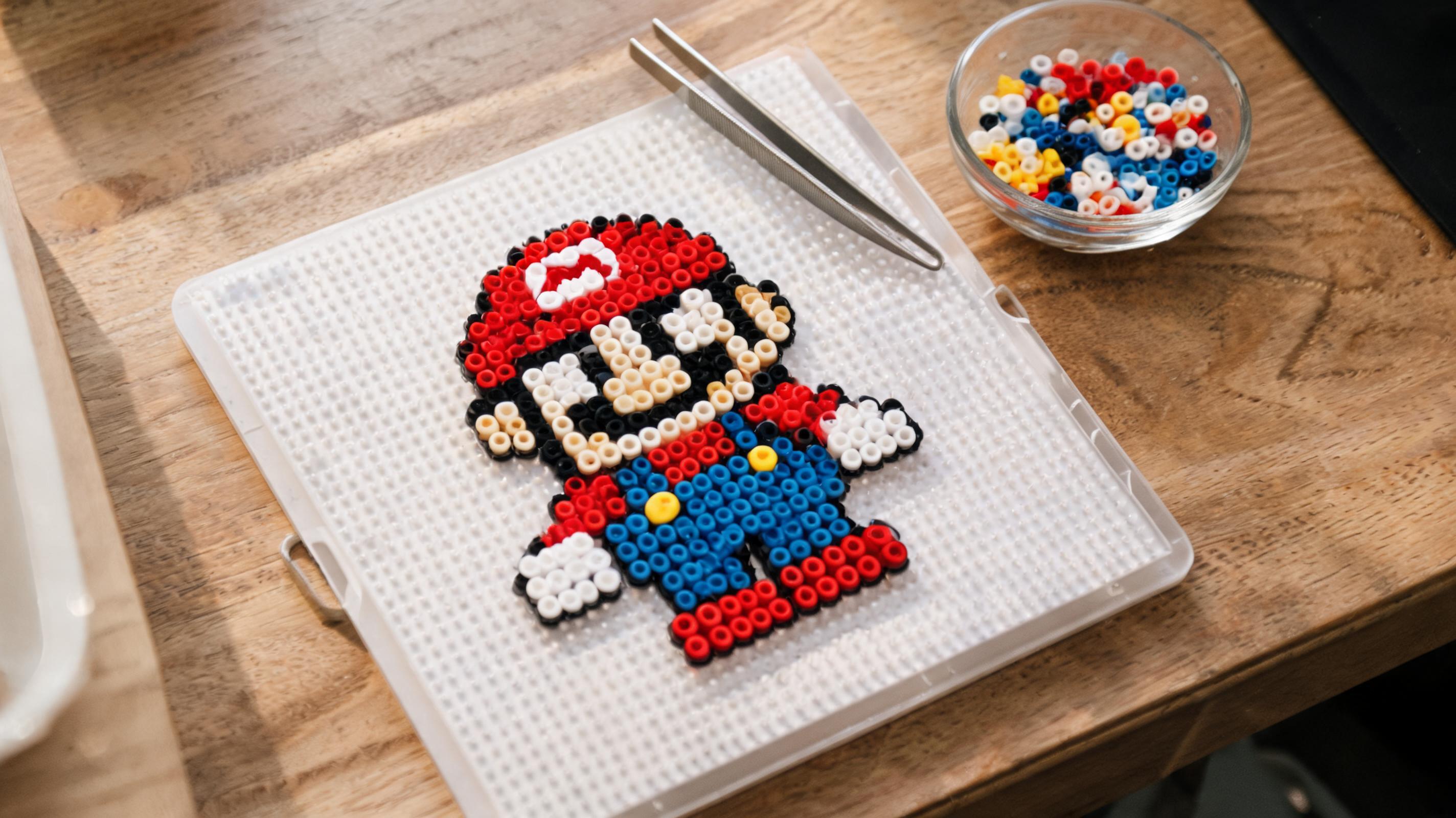
Pixel Art vs. Bead Grids
Digital pixels are square and touch edge to edge. Beads are round with a gap between pegs. A 1:1 copy of pixel art often looks correct at a distance but loses sharp inner corners up close.
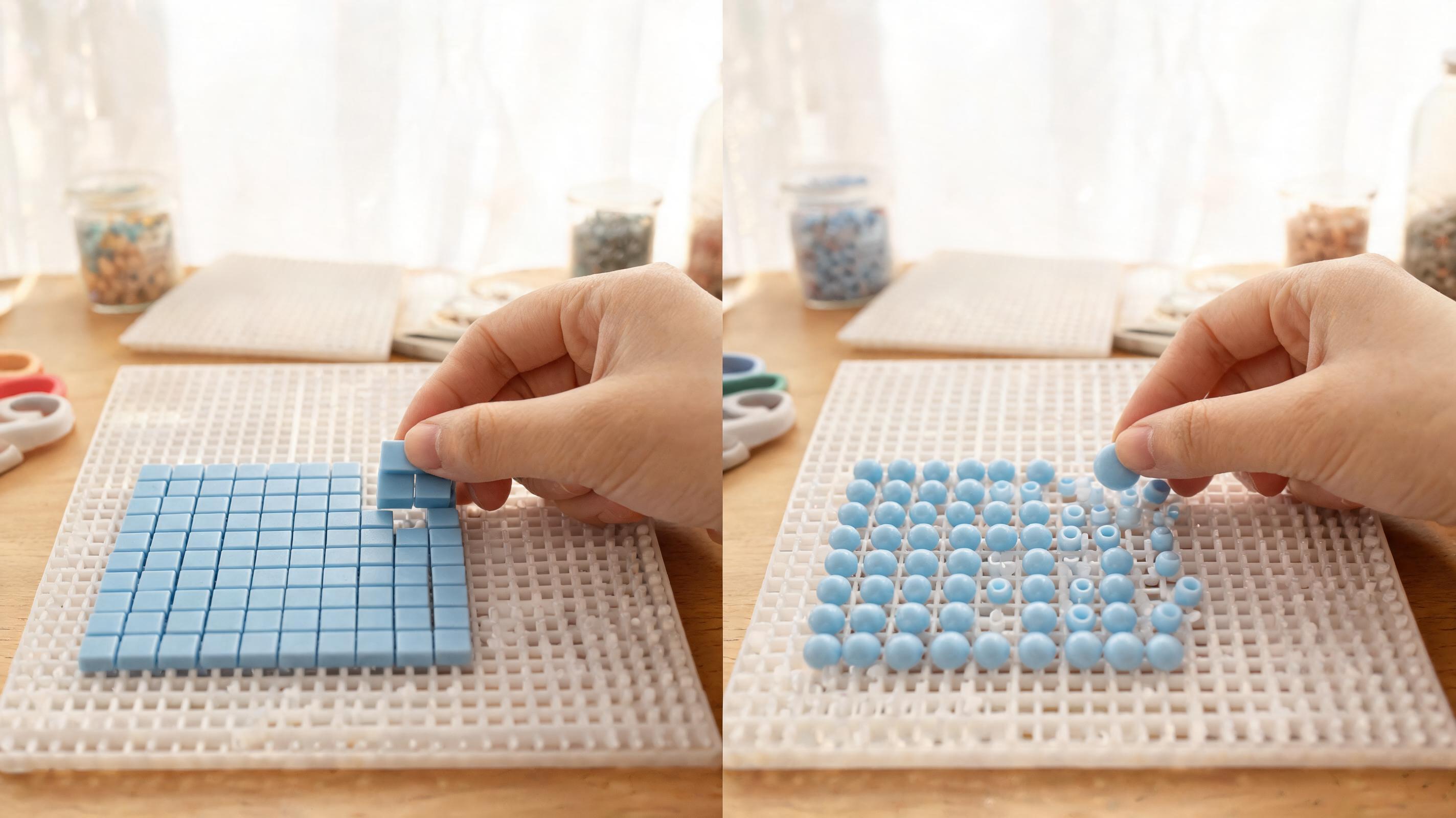
- Expect corners to soften — simplify diagonals where needed.
- Outlines that are one pixel wide may disappear; thicken to two beads where contrast matters.
- Transparency in PNG art becomes empty pegs unless you fill a background color.
Match the Resolution
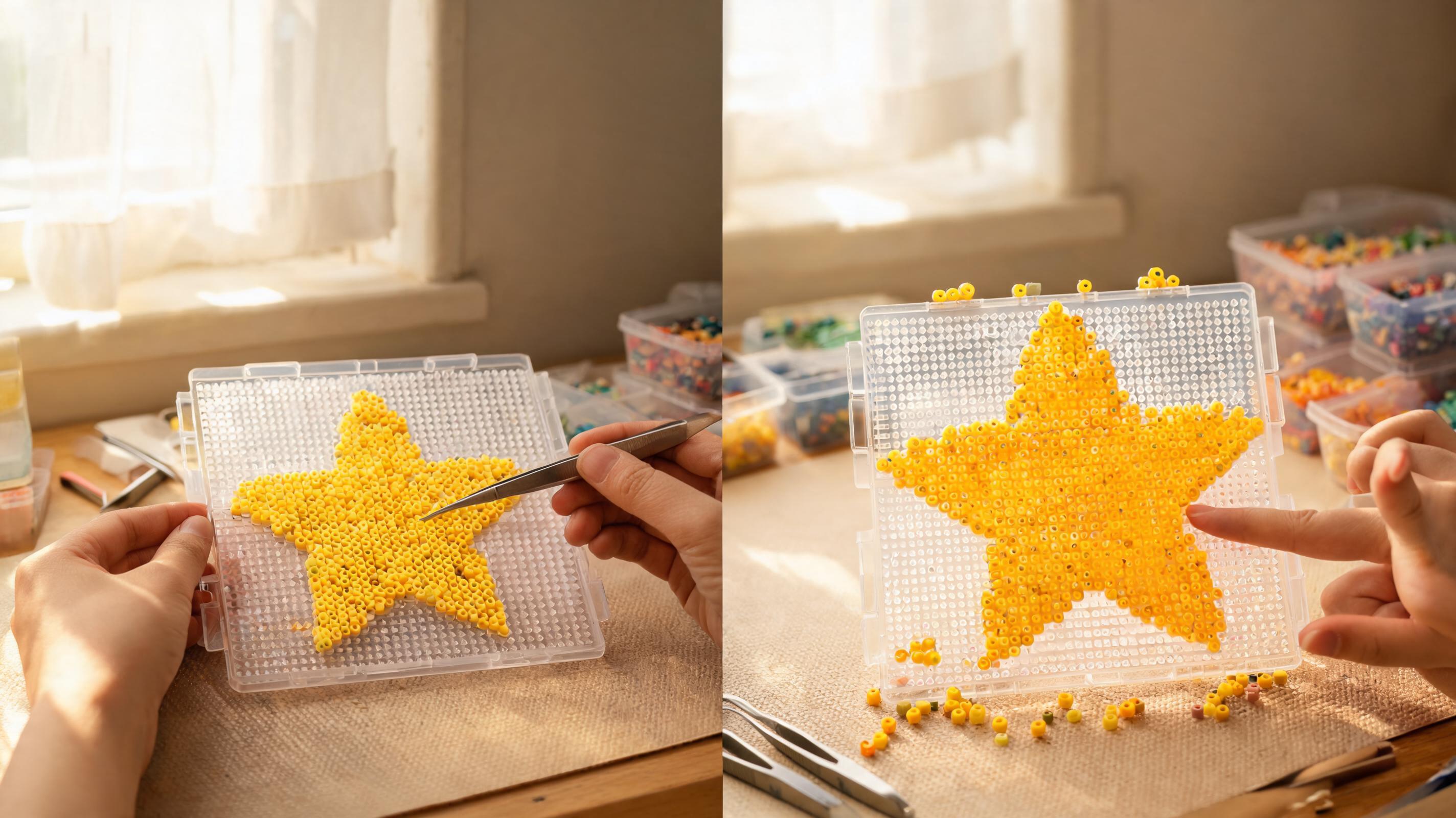
Import pixel art through the image converter or recreate it manually. Set grid width and height to match the art's native size when possible — a 32×32 sprite should become a 32×32 bead grid, not a 58×58 upscale.
Map Real Bead Colors
Pixel art uses RGB values that may not exist as physical beads. The converter finds the nearest bead ID using perceptual color distance (CIEDE2000). In the creator, manually swap outliers with Replace color after eyedropping the intended shade.
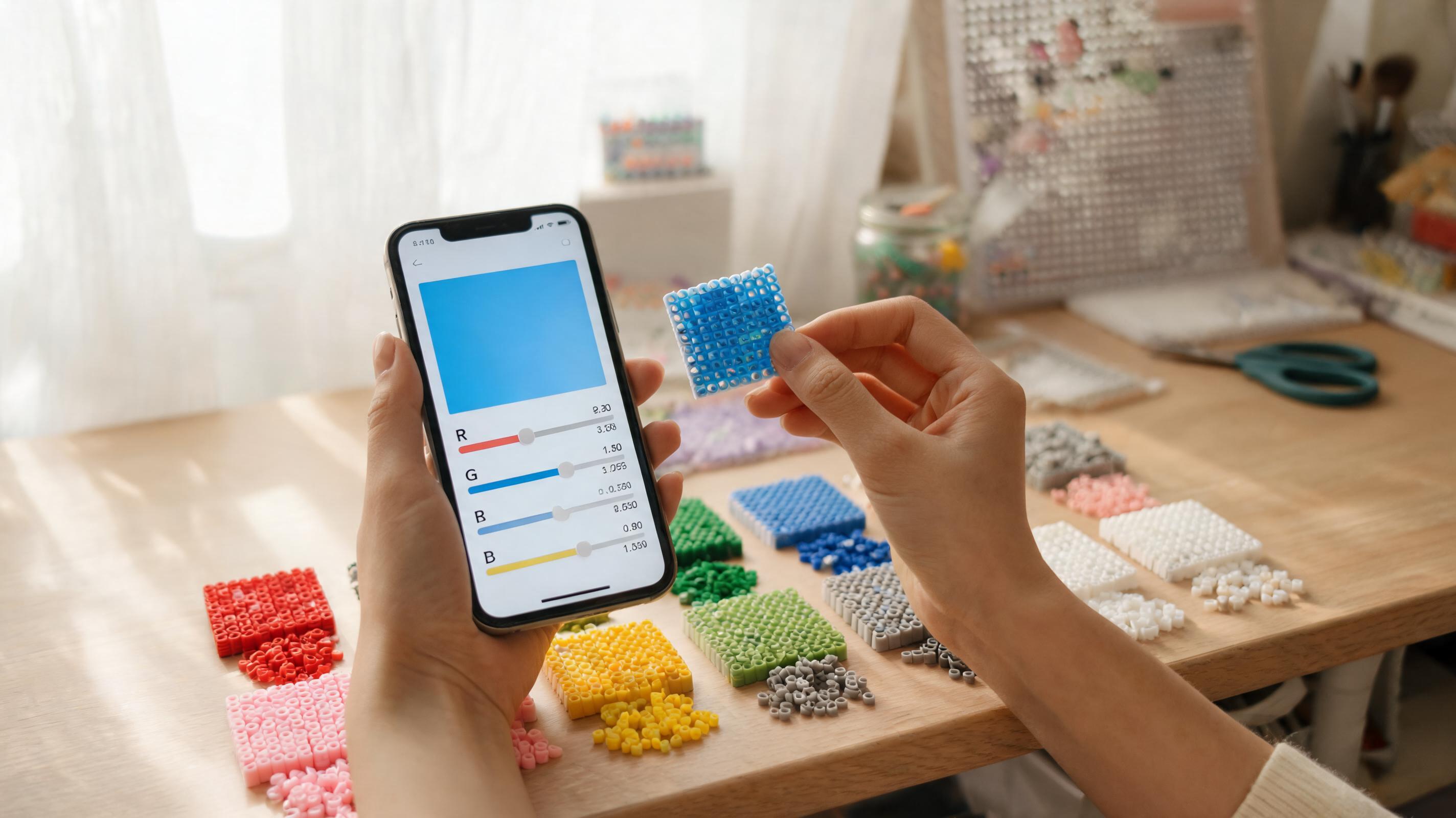
- Pick the brand palette you build with before converting.
- Enable inventory limits if you cannot buy new shades.
- Check the materials list for rare colors used only once or twice.
Prepare a Printable Guide
Export PDF for building at the table — codes on every cell, legend with counts, and board guides for multi-board pieces. PNG is better for sharing online or importing into other tools.
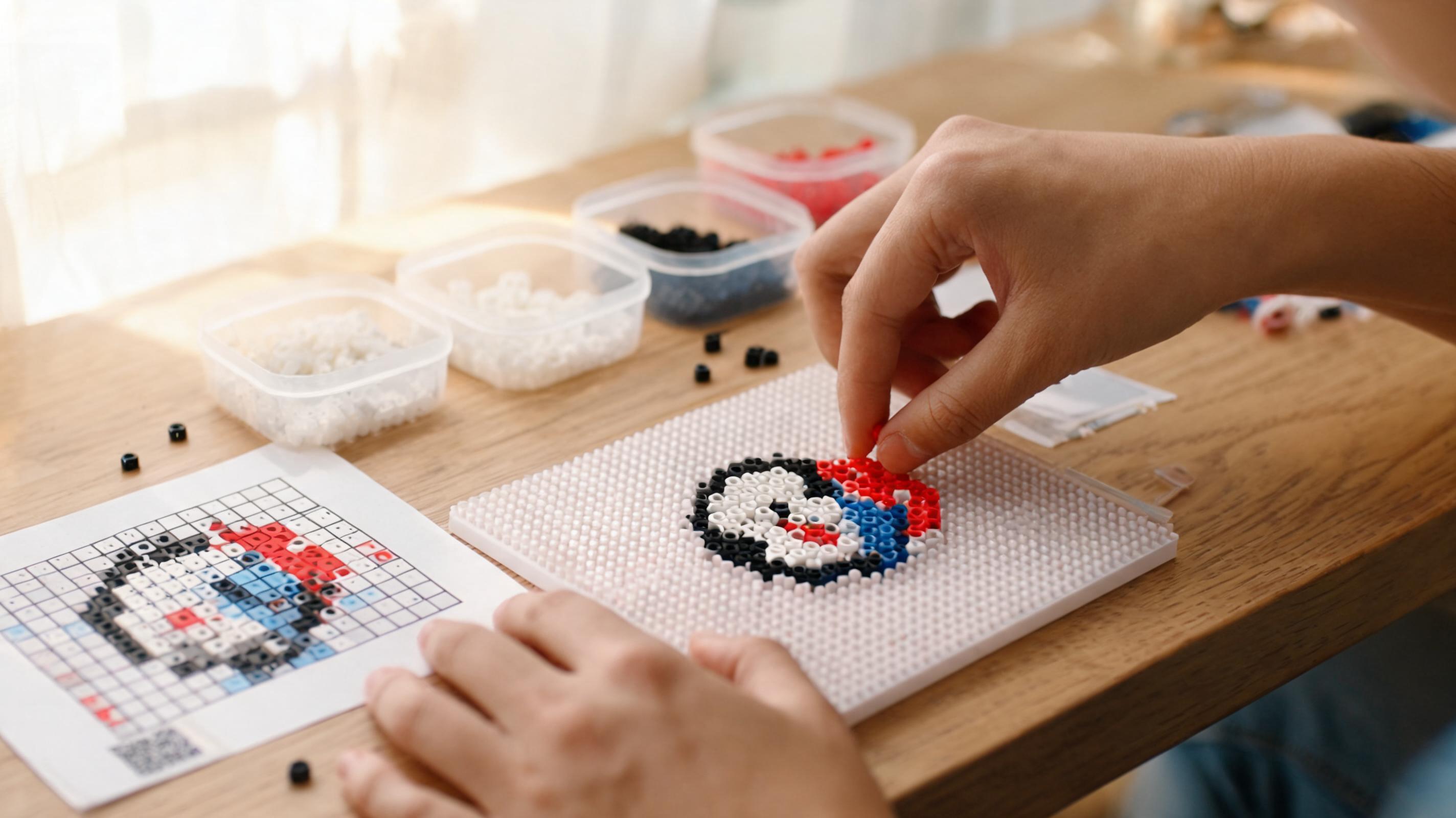
Save the project to your workspace so you can reopen it in Create from Scratch for fixes without re-importing the original PNG.