Pixel Bead guide
Pixel Bead Colors
Read color lists, limit palettes, substitute missing shades, and count materials before you start building.
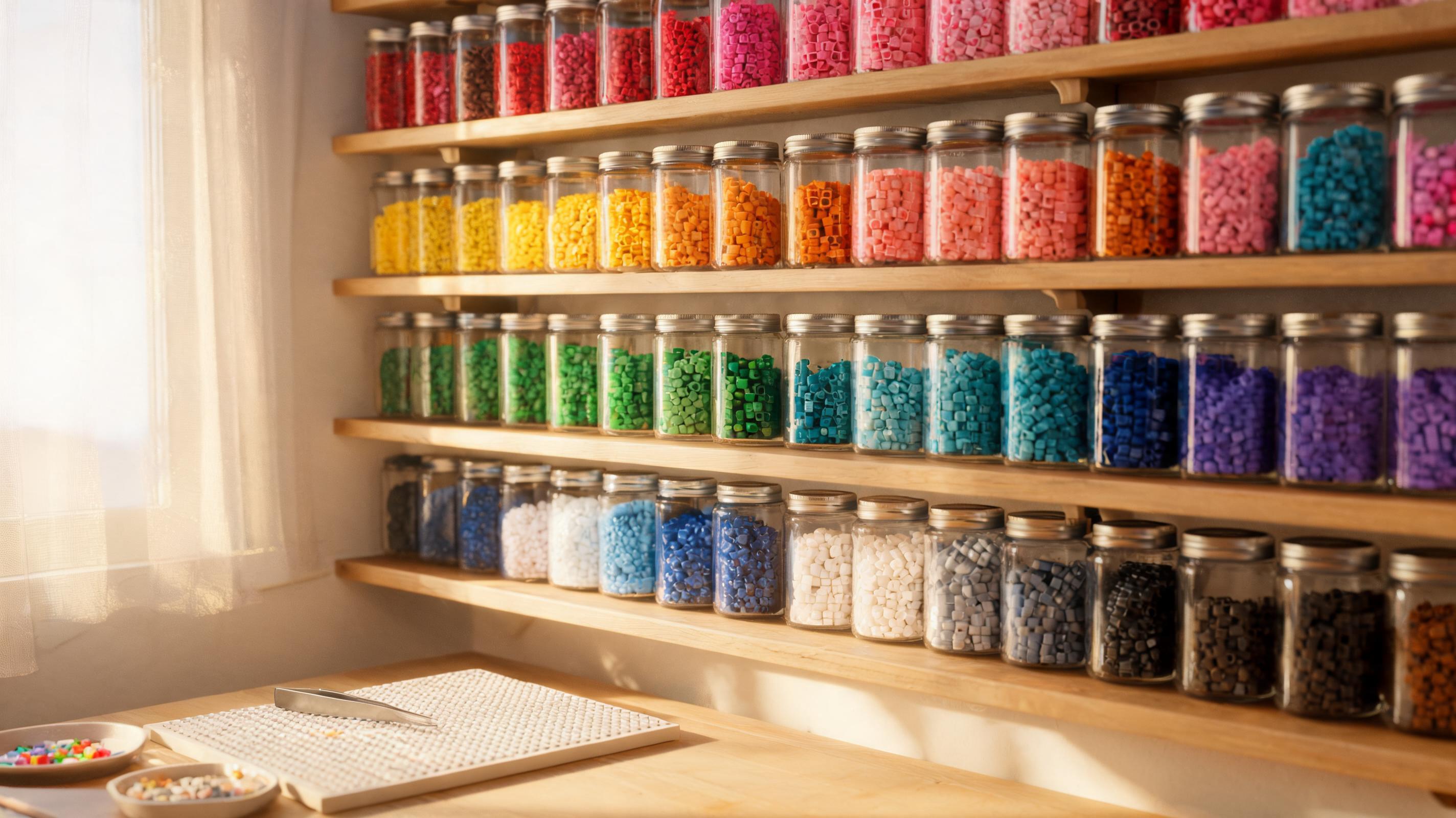
Read a Color List
Every export and the in-app Materials list show bead IDs, human-readable names, hex swatches, and quantities. Sort physical beads into cups labeled with the same IDs before you place a single peg.
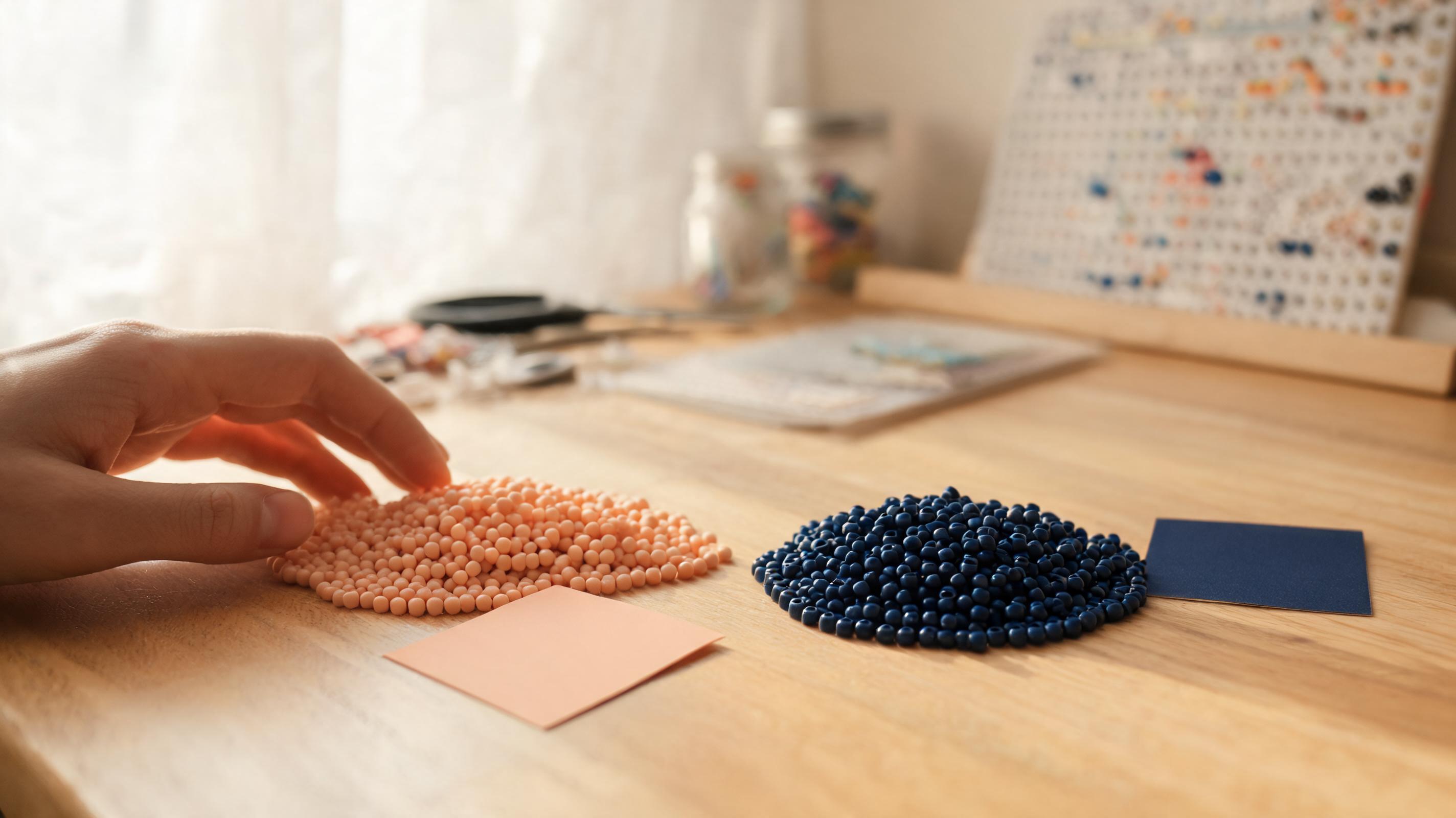
- ID — brand code printed on the pattern (example: A10).
- Name — descriptive label from the palette catalog.
- Amount — exact count of pegs using that color.
Limit the Palette
Fewer colors mean faster builds and less sorting. In the converter, use Easy detail or a custom maximum. In the creator, stick to a small set of swatches and use Replace color to merge similar shades.
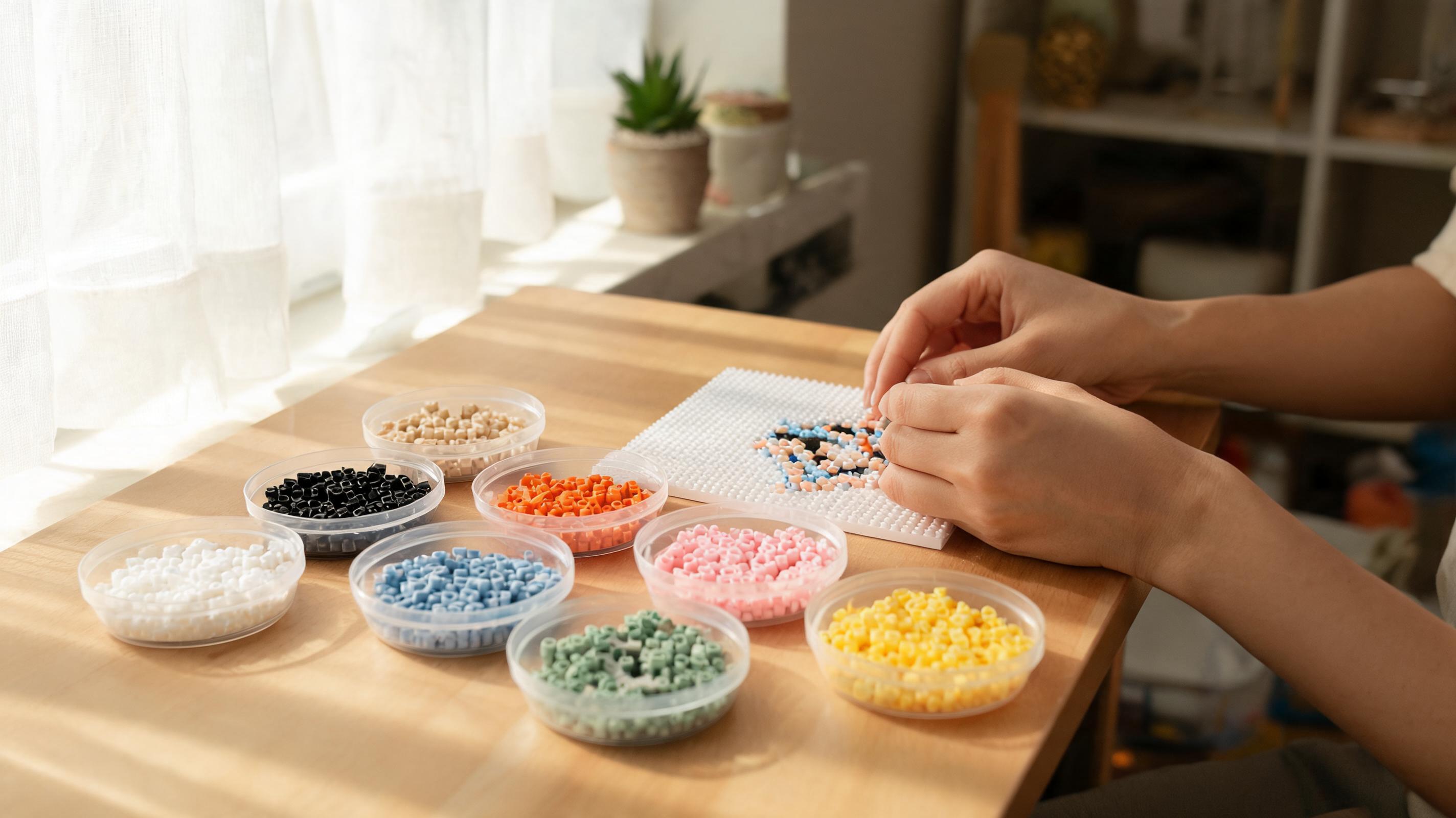
Replace a Missing Color
Out of stock on one shade? Find the closest owned color in the same family using the palette picker groups. In the creator, Replace color swaps every instance instantly. In the converter, re-run with Only use colors I own enabled.
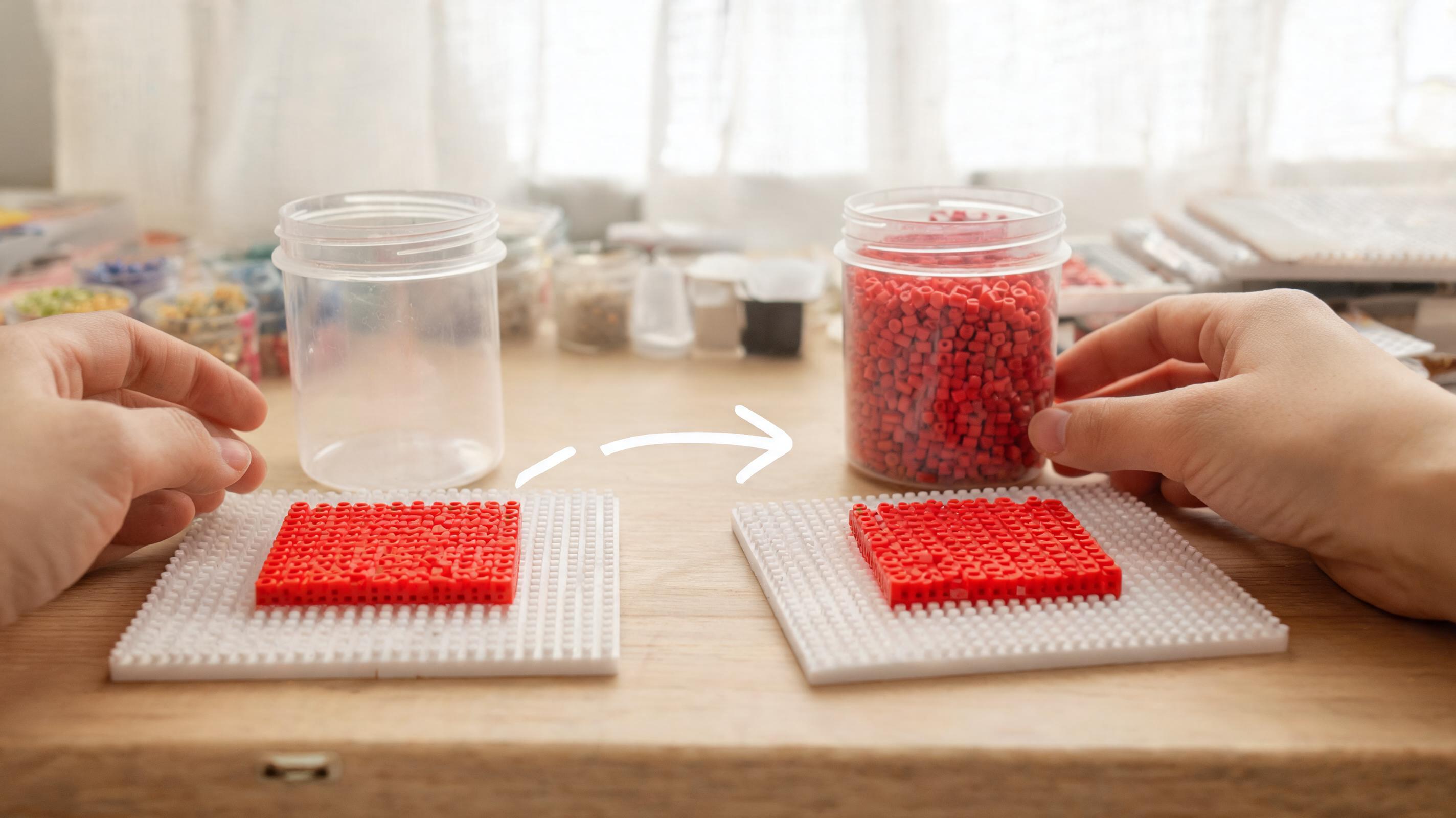
Count Materials Before Starting
Use the bead total in the stats panel as a sanity check. Pour slightly more than the listed amount for each color — dropping beads happens. For multi-board projects, note the board count and lay out boards before you begin.
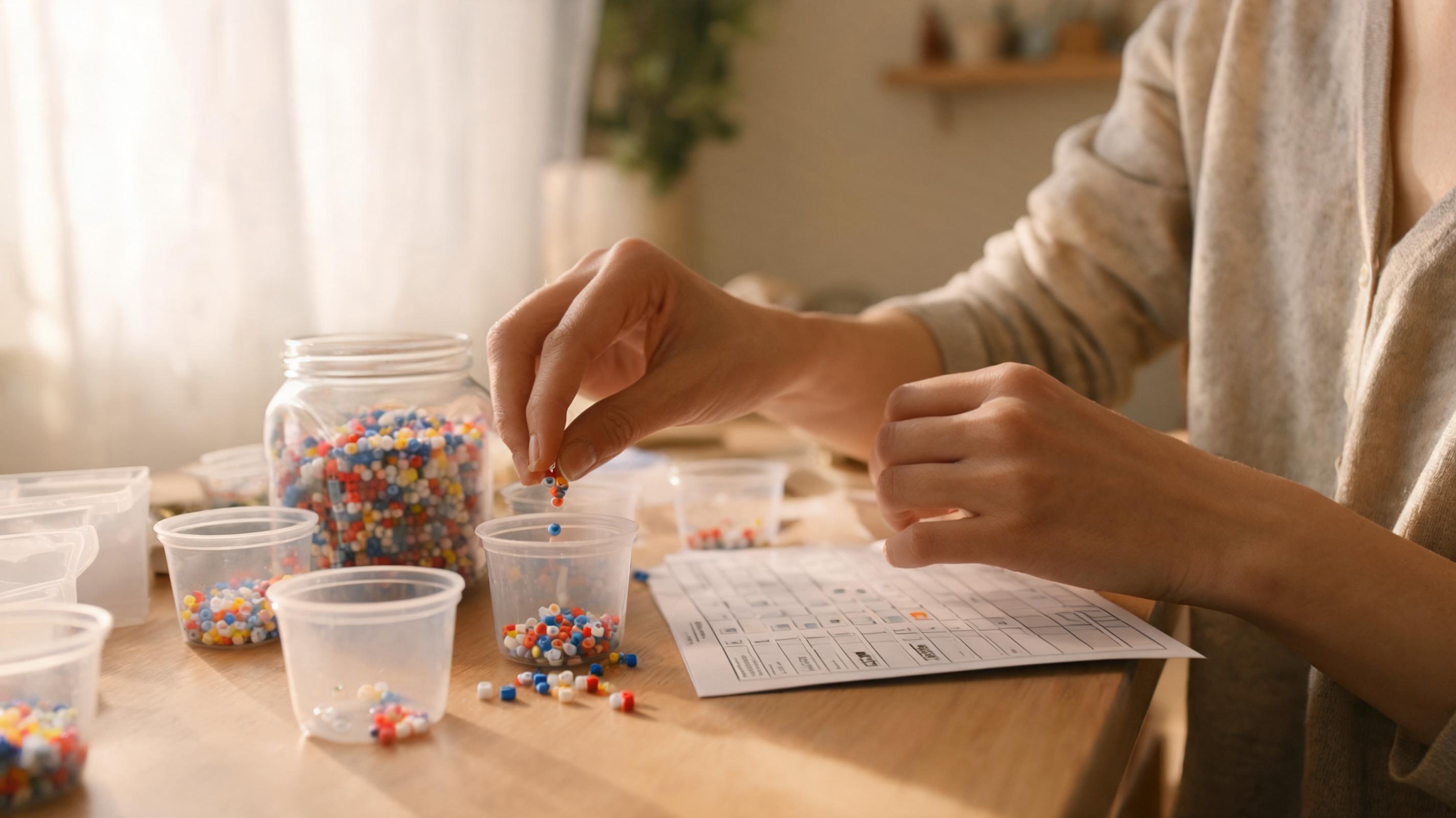
- Download the PDF and highlight colors as you pour them.
- Keep rare colors in separate small dishes so they are not mixed into bulk jars.
- Re-open the saved project if you edit the pattern — counts update live.